Bundled Resources
The primary purpose of this service is to allow an application publisher to build an application that includes files (CSV, Excel, WAR or JAR …).
Other uses of this service include embedding configuration data for the Platform 6 Tables service as .csv or .xls files for example.
To see the Bundled Resources menu entry on the Portal, the bundledresources=view permission is required.
For a summary of permission names and uses related to this service, please refer to this section.
Info
The Install and Uninstall scripts of the Applications service use this service to deploy/un-deploy bundled resources and process the resource content as required.
Note
If you have the bundledresources=* permission, you can have access to all the functions mentioned below.
List and view bundled resources
To list and display all bundled resources, the bundledresources=read permission is required.
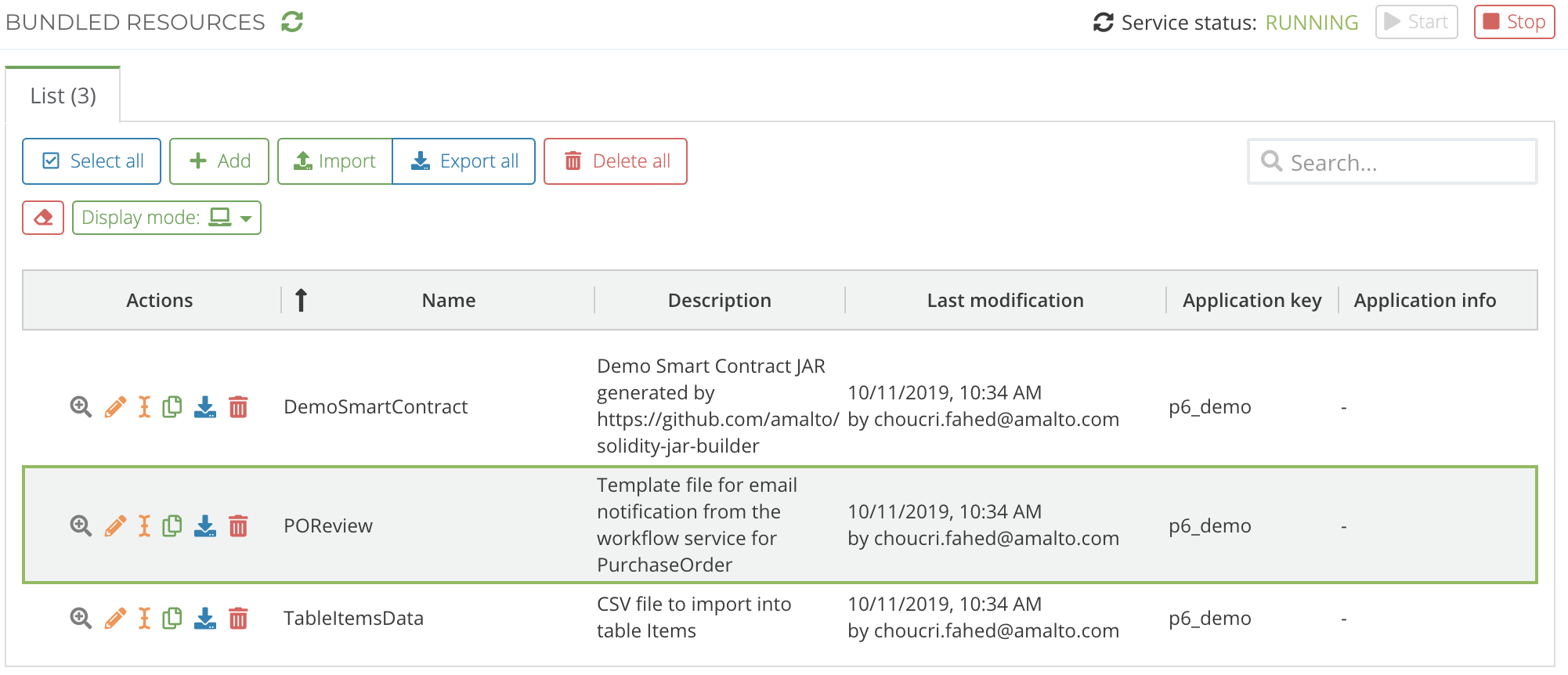
If your permission has values like this: bundledresources=read('Bundled Resource 1', 'Bundled Resource 2'), you will only see the listed bundled resources.
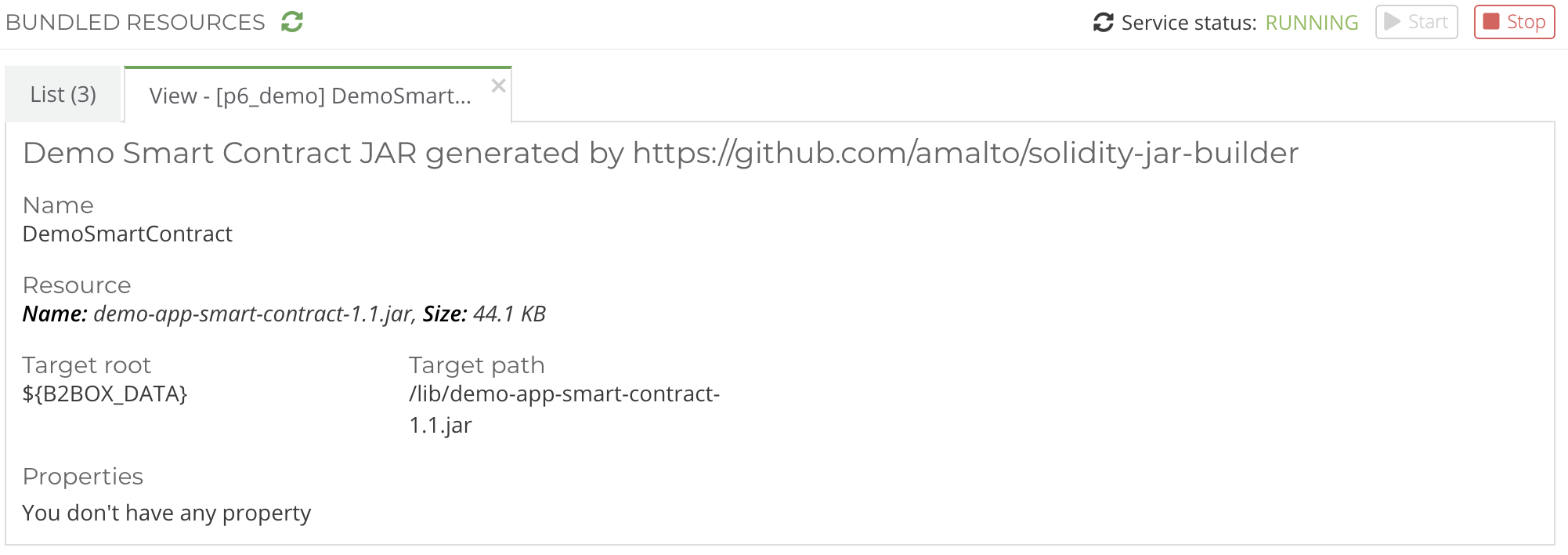
You can view a bundled resource by clicking on the magnifier icon in the ‘Actions’ column.
Edit a bundled resource
To create, update, rename, duplicate, export or import bundled resources, the bundledresources=edit permission is required.
To delete bundled resources, the bundledresources=delete permission is required.
Double-click on a row of the table display or click on the pen icon to edit a bundled resource.
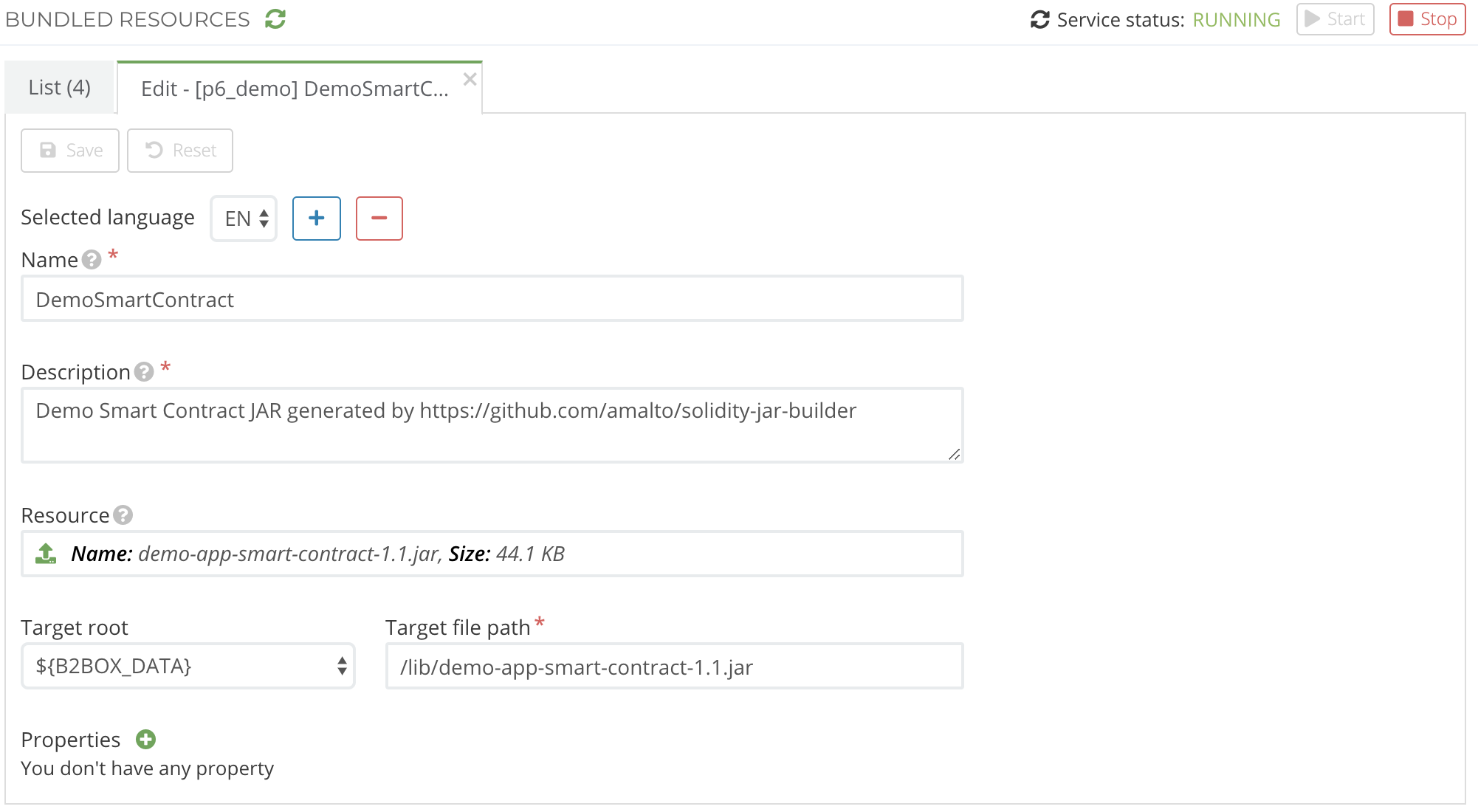
A bundled resource has a target where it can be deployed and un-deployed under the control of this service (i.e. via the application scripts DSL). The target roots available are:
${P6_DATA}${P6_TMP}
Additional properties associated with each bundled resource provide the processing scripts additional information.
Info
If the bundled resource is a jar file, the Java classes inside will be loaded automatically when deployed and unloaded when undeployed. Classes annotated with @P6GroovyBinding will be made available to Groovy scripts immediately after deployment.
JAR target path — since 6.10.22
JAR bundled resources must not be deployed to the platform lib folder. Use a path under ${P6_DATA} instead (e.g. bundled-resources/<app-key>/mylib.jar).
Placing JARs in lib is no longer supported: it is incompatible with the class unloading mechanism introduced in 6.10.22. JARs placed in lib will not be managed by this service and cannot be undeployed.
Warning
As a reminder, the ‘Save’ button merely saves the bundled resource but does not deploy it! Please refer to the next section for bundled resource deployment.
Scripting
A Groovy DSL called bundled is available for use from these scripts.